

Loyverse or Retail Scan & Stock: POS or standalone stock counts
Loyverse centers on checkout-linked stock; RSS on independent physical counts and reviewed supplier replenishment. Compare the job and the paid inventory boundary.
By Neil SinghUpdated:
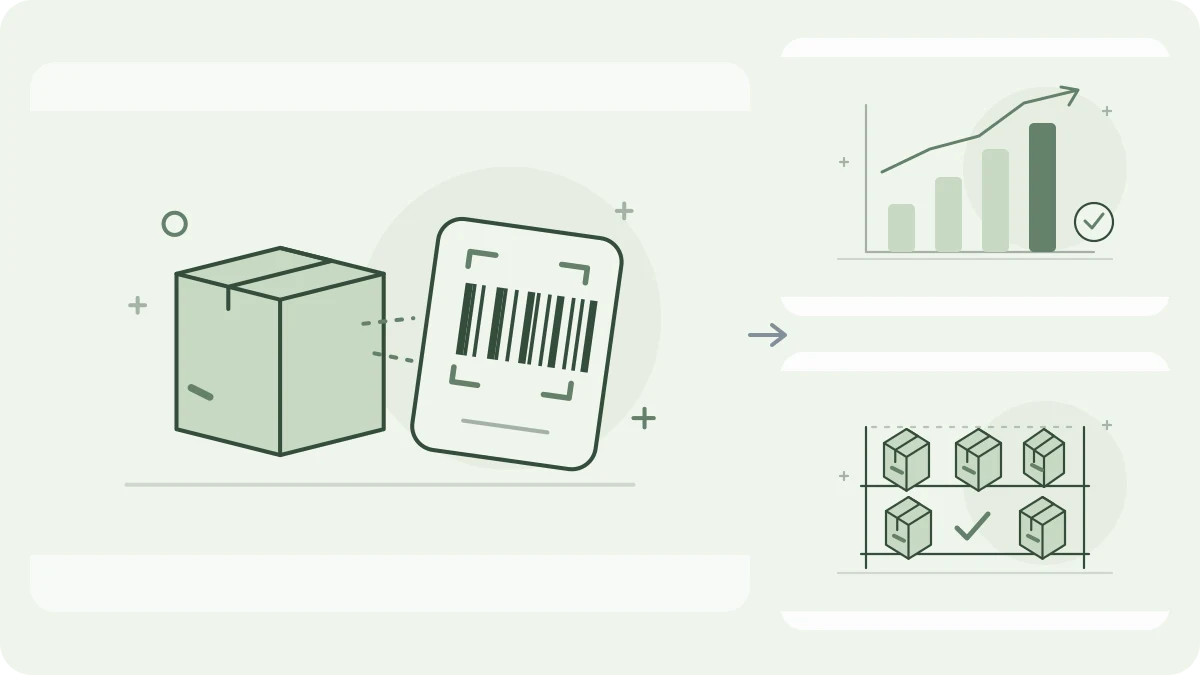
The practical difference
Choose between a POS-connected stock system and standalone counts, rather than treating both free offers as identical.
Compare the working day
- Main job
- Retail Scan & StockStandalone physical stock workLoyversePOS sales and connected stock
- Free scope
- Retail Scan & Stock1,000 products; 1 supplier; 5 open documents; 1 deviceLoyverseFree Essential Inventory; paid Advanced Inventory
- Physical counts
- Retail Scan & StockCompleted count documents, including FreeLoyverseFull/partial count documents with Advanced Inventory
- Supplier orders
- Retail Scan & StockReviewed min/max drafts by assigned supplierLoyversePurchase orders and receiving with Advanced Inventory
- Offline evidence
- Retail Scan & StockLocal counts and Free min/max offlineLoyversePOS sales offline; stock levels not displayed
- Stock figure
- Retail Scan & StockLast completed count, datedLoyverseStock linked to sales and receiving
Start with the job
Loyverse connects point-of-sale transactions with essential inventory tools. A shop wanting checkout, customer loyalty and sales-linked stock can benefit from keeping these activities in one system.
RSS focuses on physical products, parts and supplies: scan, count, prepare orders, record receiving or write-offs, and export Excel or CSV. It also has a web cabinet. It is not a POS or full ERP.
Understand the free offer
Free tools include Essential Inventory. Dedicated inventory counts and purchase orders belong to the Advanced Inventory subscription. Check current per-store terms instead of assuming that free POS means free purchasing.
RSS Free includes local offline min/max, Excel setup, multiple-count selection, calculation, order creation and export within 1,000 products, 1 supplier, 5 open documents and 1 device. Multiple suppliers require an appropriate paid allowance.

Count where the stock is
Full or partial counts are created in Back Office. Its offline POS guide permits sales and shifts but says stock levels are not displayed offline. That does not establish offline count-document operation.
RSS shows the last completed count with its date. Receiving or write-offs do not silently turn that snapshot into a live sales balance. Test your actual catalog, including a barcode with leading zeros.
Turn a shortage into an order
Loyverse documents suppliers, incoming quantities, emailing purchase orders, PDF or CSV download and receiving that updates stock. This suits purchasing tied to the checkout inventory record.
RSS uses selected completed counts. At S ≤ Min, it suggests Max − S, rounding up only for an additional order multiple. P=1 preserves fractional needs. Review separate drafts for assigned suppliers; open orders warn without automatic deduction.
Test before switching
Test a sale, partial count, order and partial delivery. Identify the add-ons each needs. Then test disconnected counting, reopening and exports; do not assume a native RSS connection.
RSS defaults to the latest selected counted line per product; sum only explicitly separate stock portions. Before completing or exporting min/max orders, teams must sync and check conflicts. RSS does not forecast demand, choose the cheapest supplier or send orders automatically.
Which workflow fits?
Retail Scan & StockRSS may fit a small business needing phone counts, reviewed replenishment and spreadsheet sharing alongside its existing sales system.
LoyverseLoyverse may fit if you want sales, customers and inventory in one POS workflow, adding Advanced Inventory when needed.
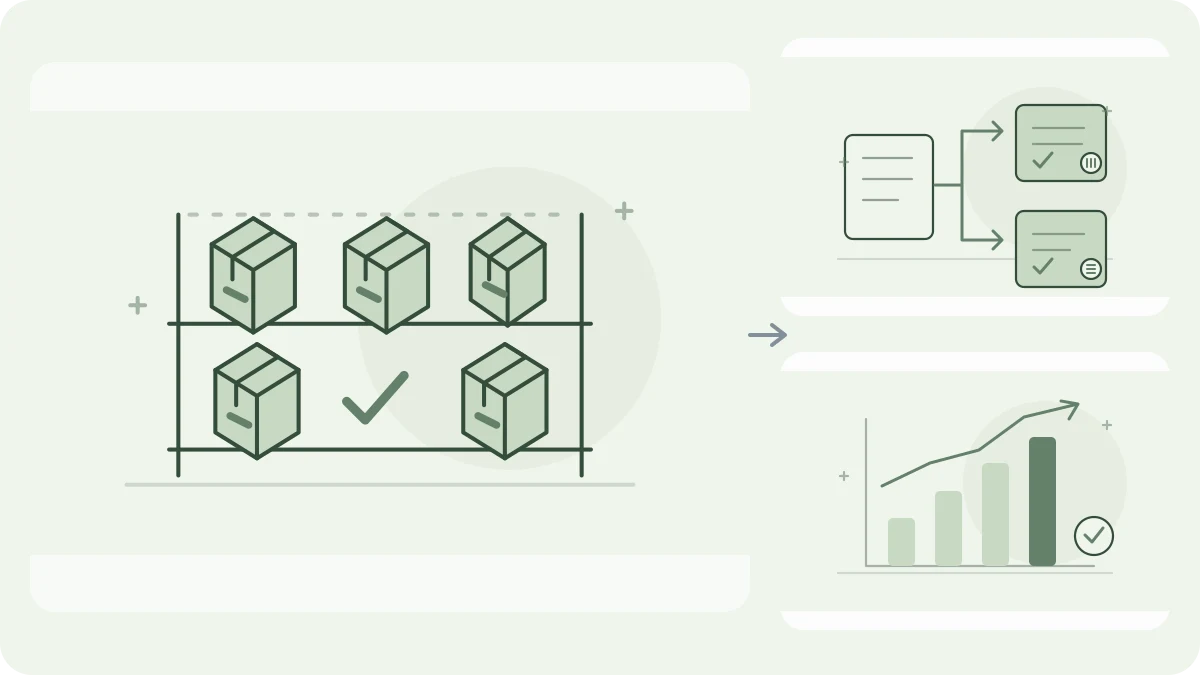
Inspect a worked replenishment example
These educational CSV files illustrate two products and two assigned suppliers, not an app export or import template. The proposals are 18 and 12 units after pack rounding. Free can use the first supplier; two suppliers require a plan that allows them.
Questions before choosing
Are Loyverse purchase orders free?
Official documentation places purchase orders and inventory counts in the paid Advanced Inventory subscription.
Can RSS replace the Loyverse checkout?
No. RSS is not a POS replacement. Do not assume a direct connection between the products.
Does offline POS mean offline counting?
No such equivalence is established. Test the specific count workflow, persistence and reconnect behavior.
Official sources
Official sources checked on 2026-10-16. Terms can change; no competitor account or device test was performed.