

How to fix duplicate barcodes in Excel before importing inventory
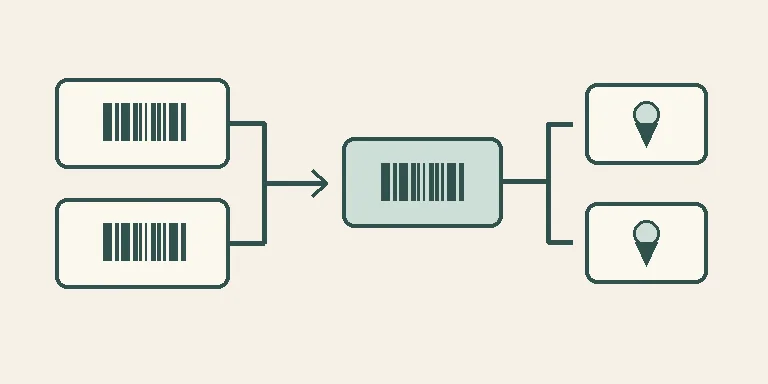
Start with the SKU, product variant and location. Merge repeat records for one item at one location, keep quantities separate by location, and check the original package before changing a barcode shared by different items.
Open the Excel barcode checkerBy Neil Singh
Resolve flags before importing
- Save a copy and identify the barcode column. Use the checker to flag repeated values and numeric cells, then review the matching row identifiers against the label or supplier export.
- Keep one product in the catalog when the SKU and item agree. Keep one record per real counting location in the location sheet. An accidental copy of a count line adds no stock.
- For a damaged value, format the destination column as Text before reimporting or pasting from the original. Formatting a cell after Excel has stripped a zero cannot recover it, and padding all codes can change valid identifiers.

Six practice rows from a corner shop
Rows 1 to 3 are one roll of tape sold in two stores. Row 2 repeats the first store’s record. The two tea flavors in rows 4 and 5 require a check of both packages. The citrus label verifies 0400000000039.
Row 6 is stored as a number. The original label verifies 0400000000046, so replace 400000000046 with that exact value as text. These restricted-circulation examples are fictional and for practice.
| Data rows | Value in Excel | Decision |
|---|---|---|
| 1 and 2 | 0400000000015 | Keep row 1. Remove the exact copy. |
| 3 | 0400000000015 | Keep as a second location for the same SKU. |
| 4 and 5 | 0400000000022 | Keep mint. Correct citrus to 0400000000039 from its package. |
| 6 | 400000000046 | Recover 0400000000046 from the original label. |
Mistake to avoid
Deleting every flagged duplicate would remove a real location record. Compare the SKU, variant and location before removing a row or merging quantities.
Try the two workbooks
Practice file
Choose the Practice sheet and Barcode column in the checker. Select the option to skip the header. The row numbers above count data rows.
Select 13 as the expected number of digits for this exercise.
Clean file
The Catalog sheet holds four products, with barcodes stored as text. The Locations sheet retains five location records. Check the catalog when looking for duplicate product codes.