

Summarize with AI
Discuss this page
Choose your assistant for a short summary and practical next steps.
If the prompt is not filled in, paste the copied text. Your assistant may need you to paste the page content.
Web cabinet
Your mobile inventory, on your computer
A desktop companion for owners on Store, Multi-Store and Business. Review products, last-counted stock and documents from your phone app.
Read only. Make changes in the mobile app.
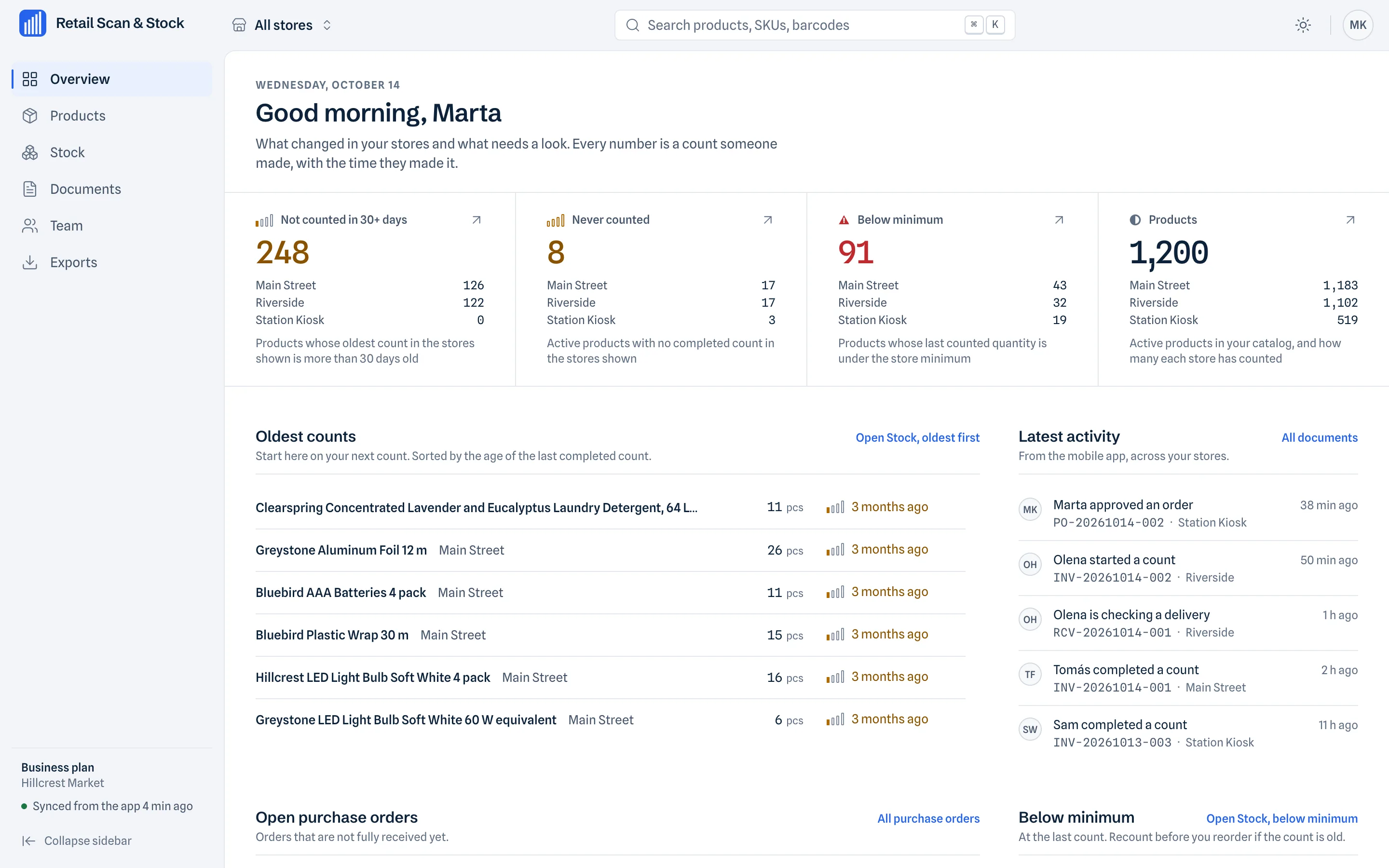
Products and barcodes
Browse products and barcodes, then open a product panel for details.
Check a product’s details and barcode together, without moving between phone screens.
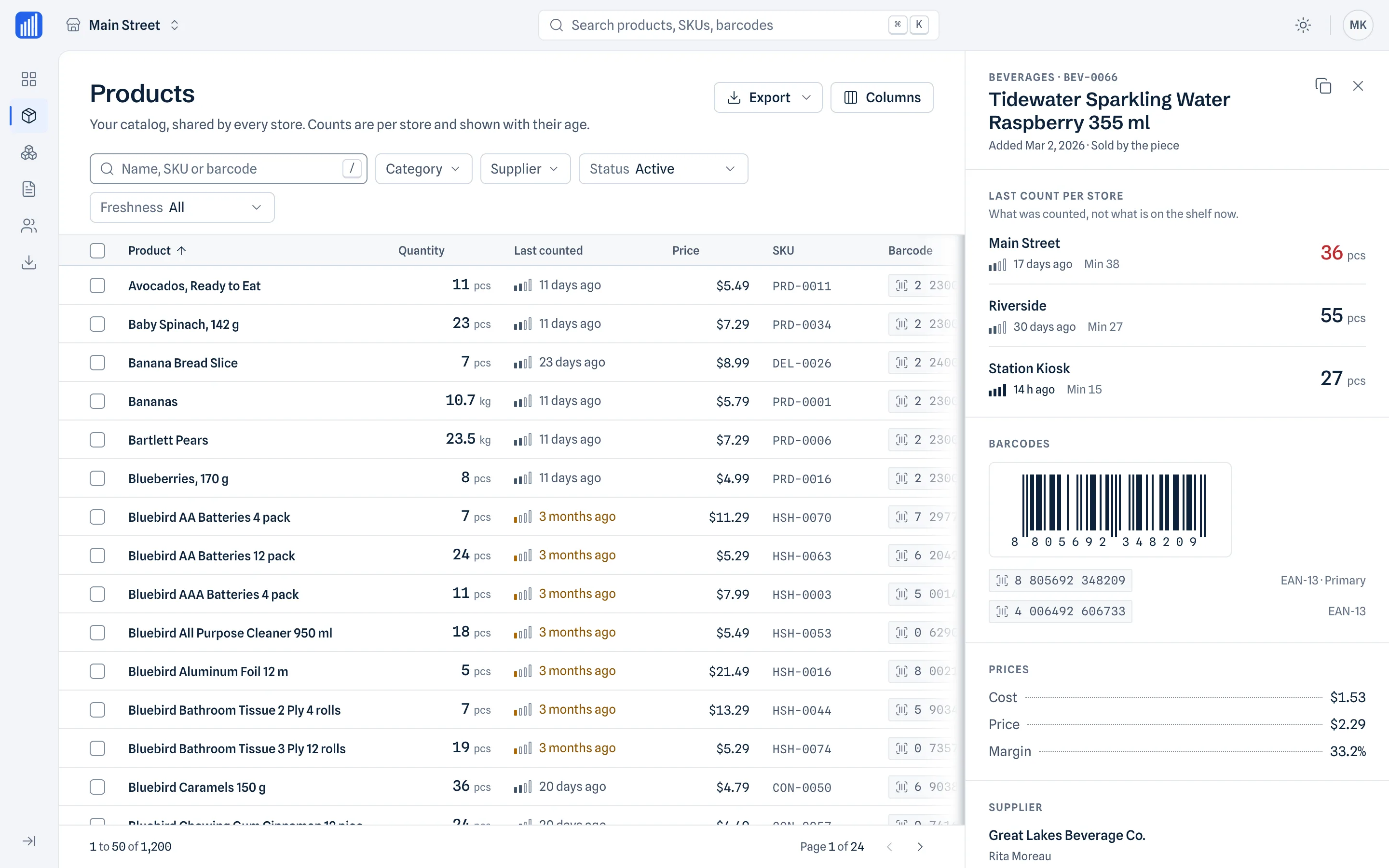
Last-counted stock per store
Choose a store to see the last counted quantity and when it was counted. These quantities are records of counts, never real-time estimates.
See which counts are old before deciding where a fresh count is needed.
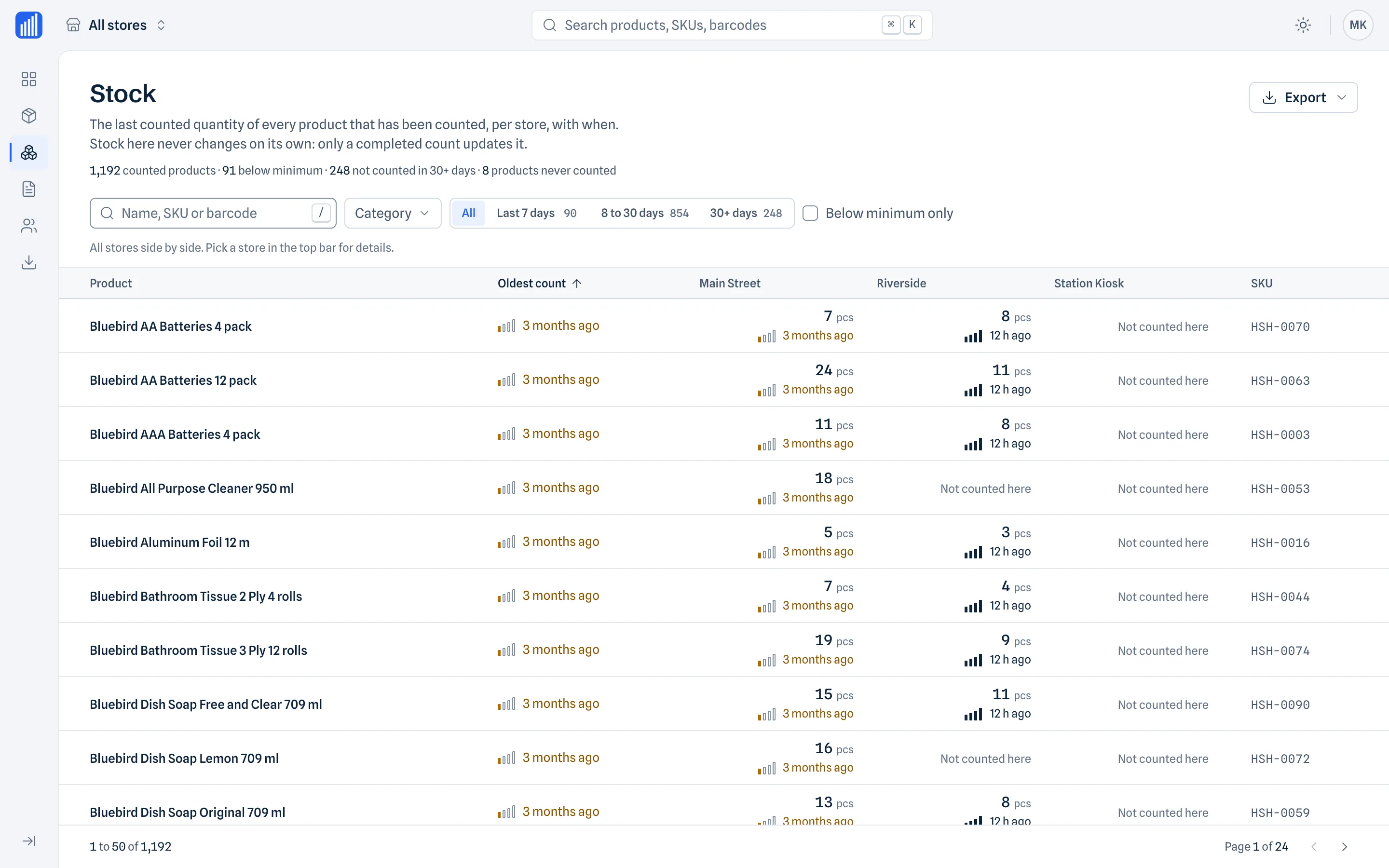
Documents, with the details
Review counts, purchase orders, receiving and write-offs. Open a document to read its lines and linked documents.
Follow a purchase order through its linked delivery and compare ordered and received quantities.
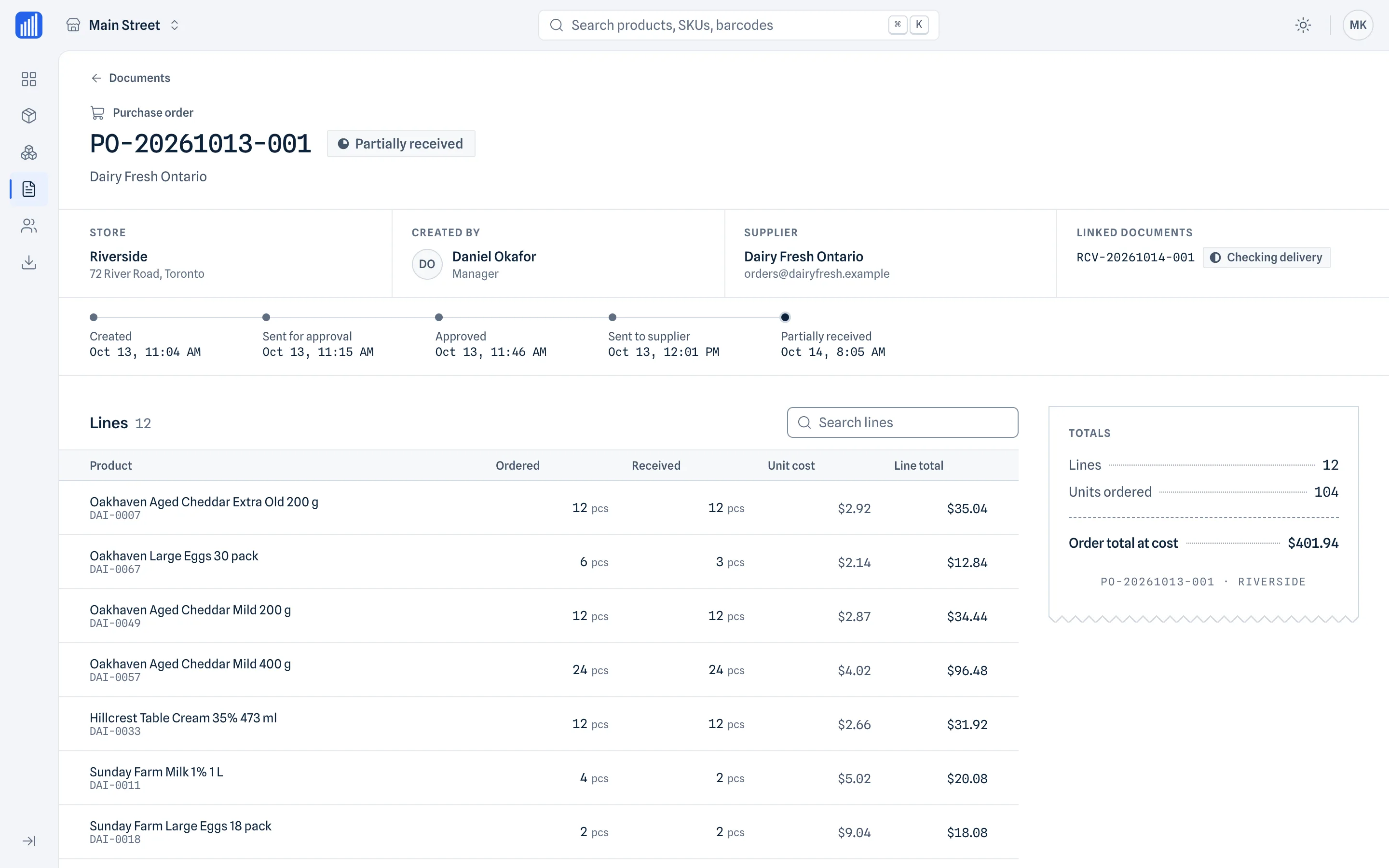
Files ready for your next step
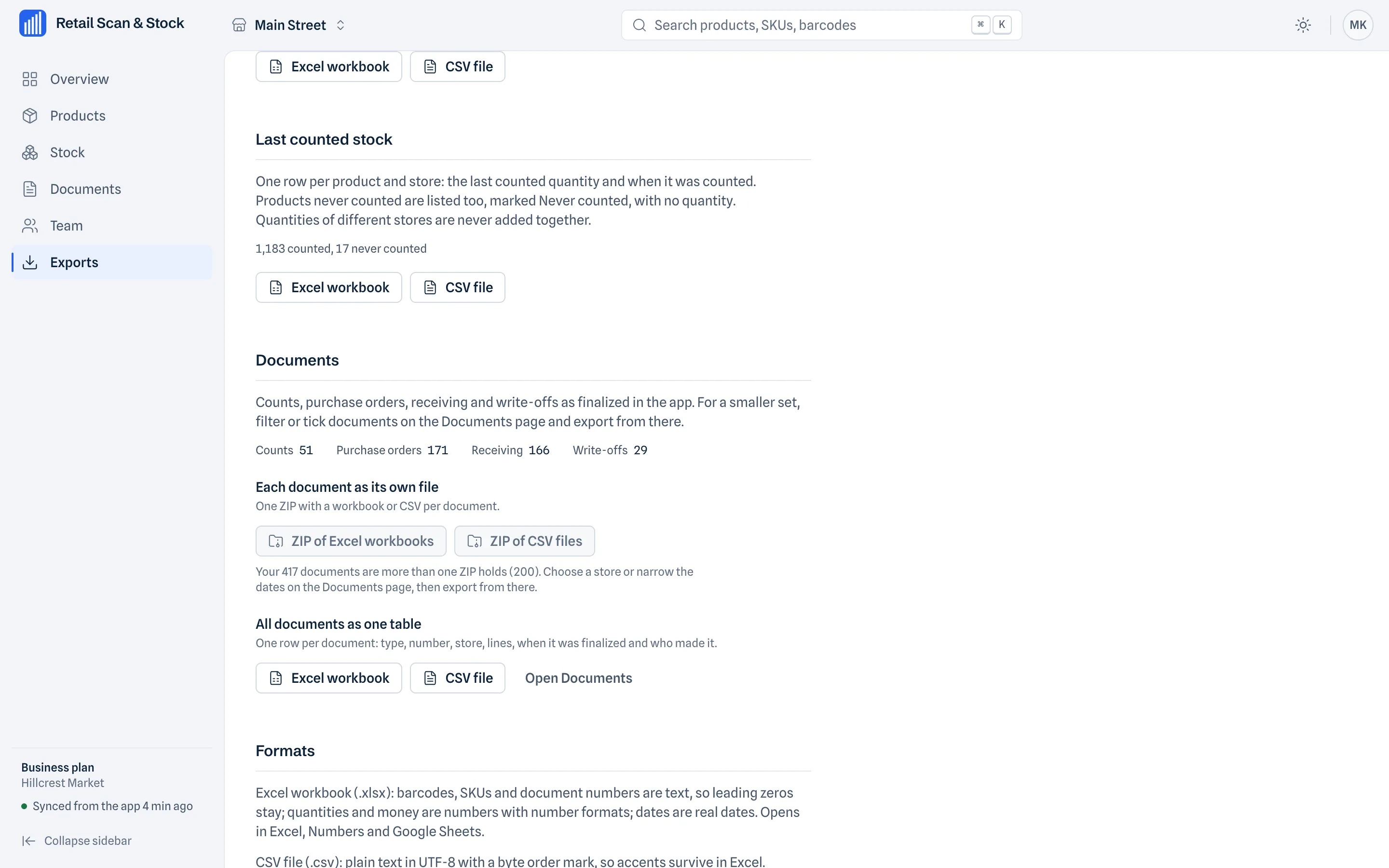
Export XLSX and CSV files, or several documents in one ZIP. The product catalog file can be imported back into the phone app.
Take the records into a spreadsheet or share several documents as one file.
Who it is for
For account owners on Store, Multi-Store and Business. Managers and staff use the mobile app. The cabinet also shows the team list, with light and dark themes.
Questions about the web cabinet
- Is the cabinet read only?
- Yes. Create and edit products and documents in the mobile app.
- Do I use the same login as the app?
- Yes. Use the same account and sign in with a one-time email code.
- How many interface languages are available?
- 31 interface languages.
- How much does it cost?
- It is included in Store, Multi-Store and Business, at no extra charge.