

Retail Scan & Stock vs Orca Scan: counting, Excel and supplier orders
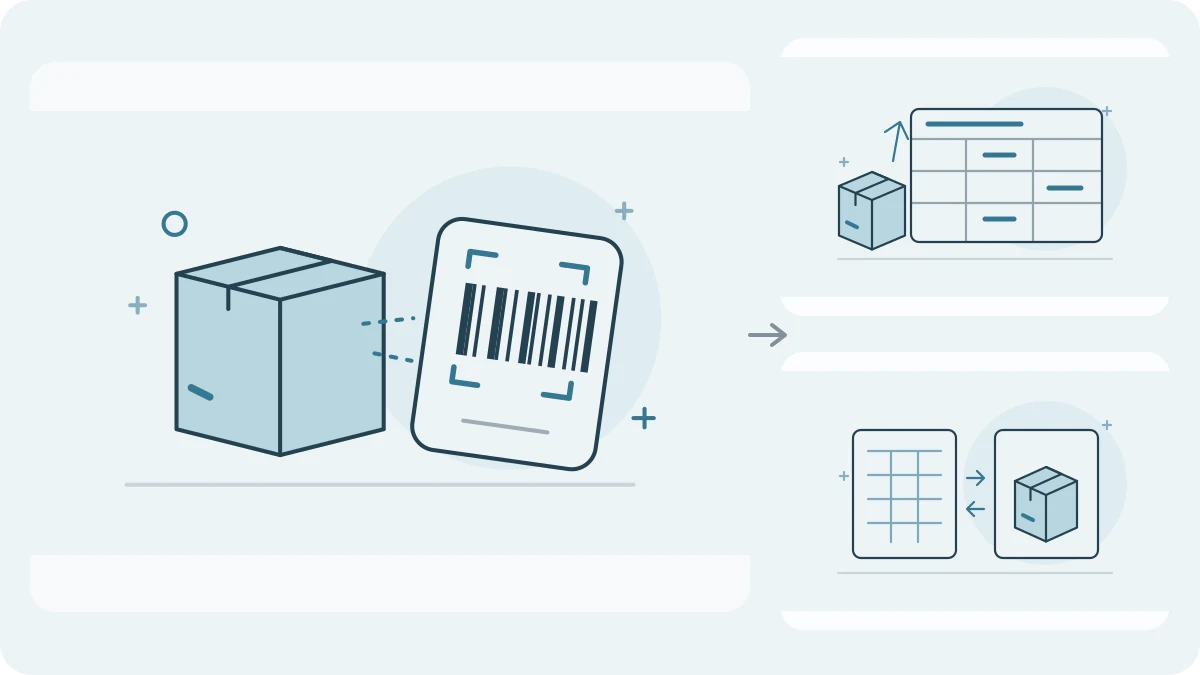
Considering an Orca Scan alternative for inventory? Compare the work after each scan: a configurable barcode sheet, a refreshed workbook, or a counted-stock proposal for a supplier order.
By Neil SinghUpdated:
Choose the workflow you need to finish
Orca Scan deserves consideration for custom barcode workflows and connected spreadsheets. Retail Scan & Stock focuses here on physical counts and reviewed supplier orders.
Practical workflow comparison
- Main workflow
- Retail Scan & StockCounts, orders and stock documentsOrca ScanConfigurable barcode sheets
- Offline counting
- Retail Scan & StockLocal counting on FreeOrca ScanOffline scans; reconnect sync
- Excel workflow
- Retail Scan & StockExcel/CSV files; Excel catalog updatesOrca ScanLive Excel connection on eligible plans
- Replenishment
- Retail Scan & StockReviewed min/max supplier draftsOrca ScanValidate your required order workflow
- Team use
- Retail Scan & StockPaid sync; verify before order completion/exportOrca ScanShared sheets and permissions
- Free access
- Retail Scan & Stock1,000 products; 1 supplier; 5 open documents; 1 deviceOrca ScanFree plan; verify current row and integration limits
Start with the job after scanning
Choose between physical counts, daily stock movements and configurable forms. Scanning alone does not establish the full workflow. Retail Scan & Stock includes counts, purchase orders, receiving, write-offs and a web cabinet.
Orca Scan organizes barcode work in custom sheets and fields. It is a relevant option when the collection form needs to fit your process.
Separate files from live connections
Retail Scan & Stock exports Excel/CSV files and updates catalog settings through Excel. File exchange is different from a continuously connected workbook.
Orca Scan documents a live Excel connection. If workbook refresh is essential, check the eligible plan and setup; an exported file is not equivalent.
Check the count-to-order calculation
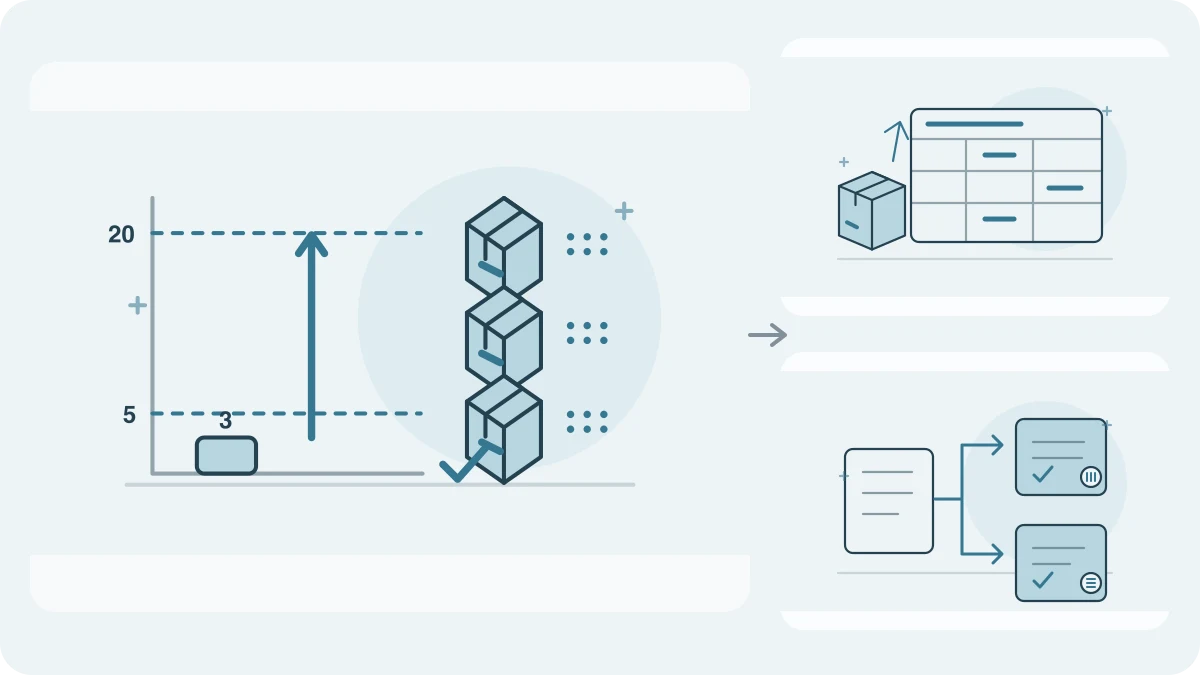
For min/max orders, Retail Scan & Stock uses selected completed counts. Count 3, minimum 5, target 20 and pack multiple 6 suggest 18. You review drafts grouped by assigned supplier, not an automatically chosen cheapest supplier.
The default uses each product’s newest count among the selected documents; sum only separate stock parts. Uncounted products are not zero. Open orders warn without automatic subtraction.
Plan for offline work and team checks
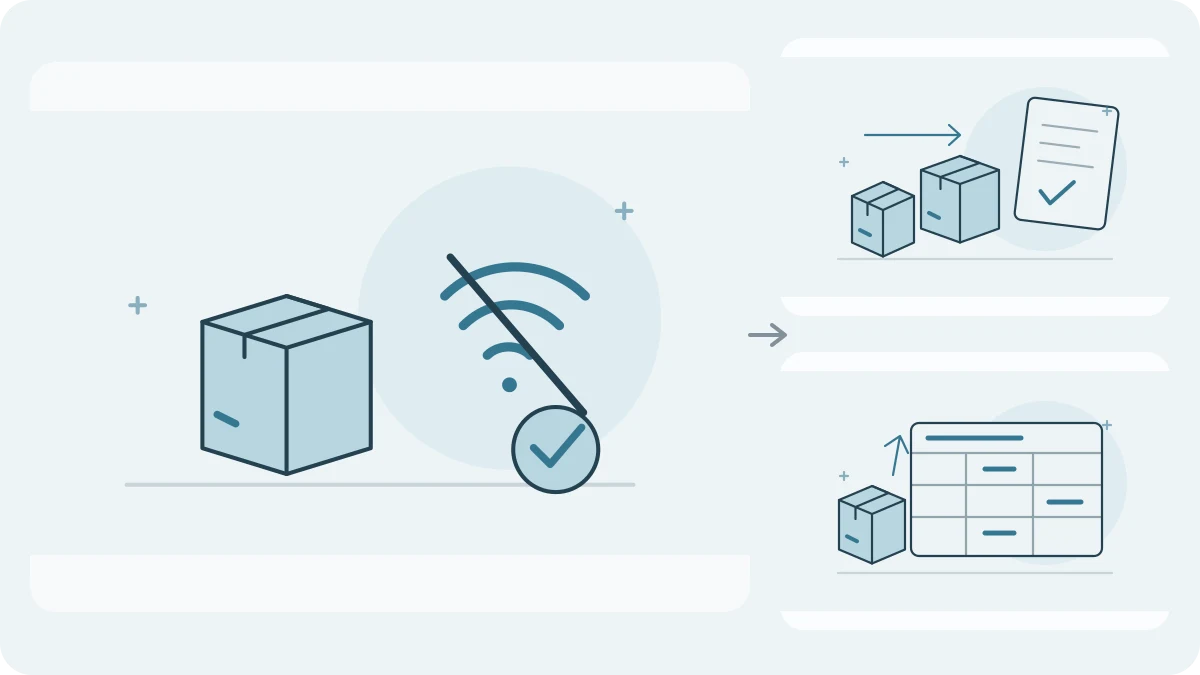
Orca Scan documents offline access to My Scans and synchronization after reconnection. Include a reconnect check in your trial.
Retail Scan & Stock Free includes offline counting, min/max and Excel export within 1,000 products, 1 supplier, 5 open documents and 1 device. Teams synchronize and check source conflicts before completing or exporting min/max orders.
Try a small stock cycle
Try a zero, a recount, a pack-rounded order and an export. Check identifiers, units and warnings before migration.
For Orca Scan, test the configured fields, sheet permissions and required connection. Confirm the actual purchase-order steps rather than inferring them from customization.
Which fits your work?
Retail Scan & StockConsider Retail Scan & Stock for physical counts, reviewed min/max orders and exchanged Excel files.
Orca ScanConsider Orca Scan when custom fields and a supported live spreadsheet connection are central to your process.
Inspect a worked replenishment example
These educational CSV files illustrate two products and two assigned suppliers, not an app export or import template. The proposals are 18 and 12 units after pack rounding. Free can use the first supplier; two suppliers require a plan that allows them.
Common questions
Can I use Retail Scan & Stock Free for real counts?
Yes, within its stated limits. Several selected counts are supported; multiple suppliers need a plan that allows them.
Is an RSS Excel export the same as Orca Scan’s live connection?
No. RSS provides files. Orca Scan documents a connected Excel workflow; check its plan requirements and refresh configuration.
Is switching automatic?
No one-click competitor migration is promised. Check the target import template and verify a small sample first.
Official sources
Research snapshot: October 16, 2026. Check current plans and platform details before subscribing.