

How to Make an Inventory Count Report in PDF
Quick answer
Open the completed count, check the date and any differences, then choose Export and PDF. Open the file from your phone’s share menu to check it before sending. In Retail Scan & Stock 1.2.0, branded PDF export is available on Store, Multi-Store and Business.
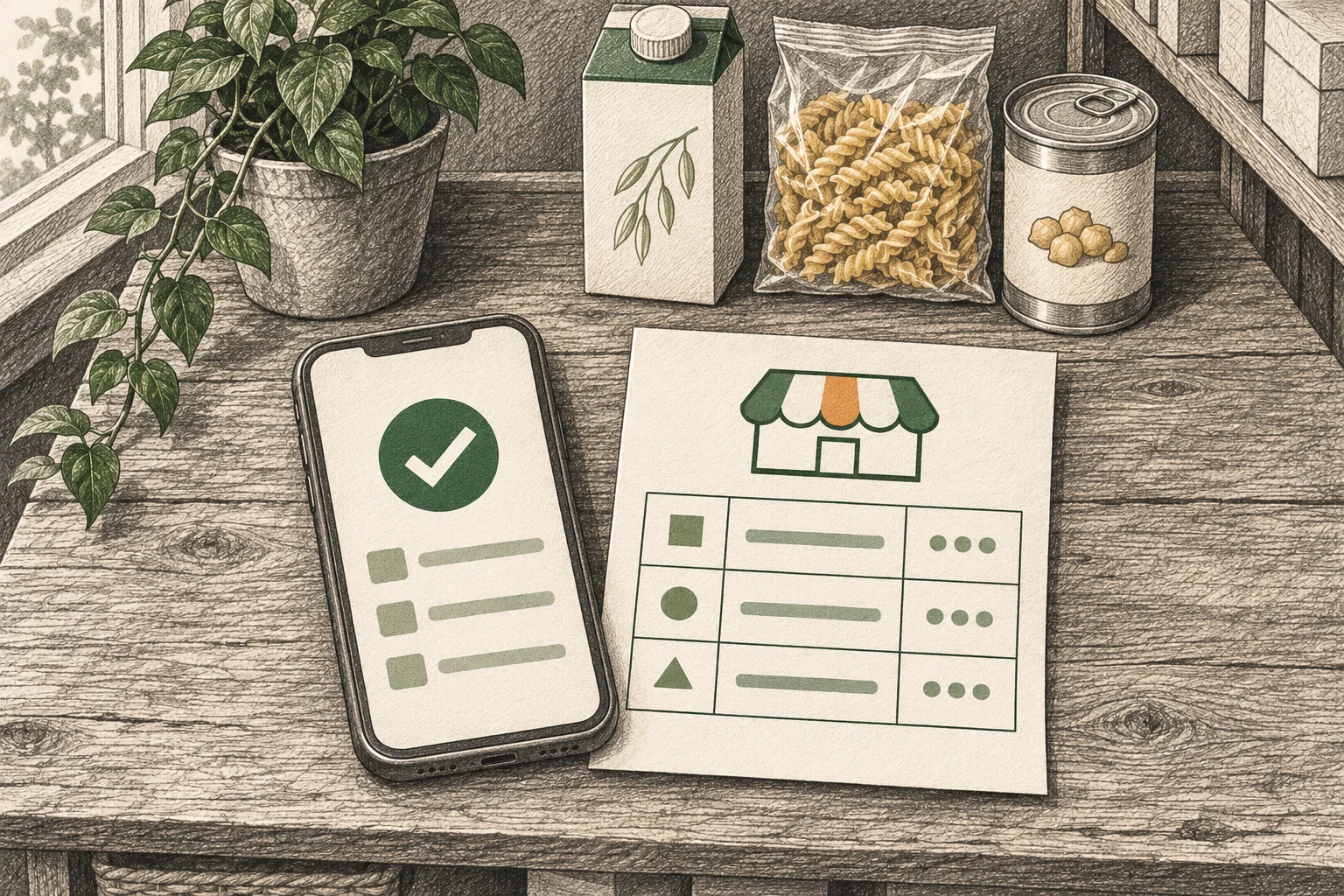
1. Check the completed count
Maple Corner Shop finished its count on October 31, 2026. In Documents, open the completed count and check the shop, completion date, and units. Compare Recorded qty with Counted Quantity. If a recorded quantity is missing, leave the comparison open. A missing baseline and a recorded zero mean different things.
2. Export a branded PDF
These steps are for app version 1.2.0. Check your installed version if PDF is missing from the export menu.
Check the name under More → Business profile. The PDF uses the business or location name and includes the address, phone and email when entered. On a multi-store account, the report can also show the store for that count. Review the contact details before sharing.
On the count detail screen, tap Export and choose PDF. If the screen shows an order button in place of Export, tap ⋯, then Export → PDF. The app creates the file and opens the system share sheet. On Free, PDF opens the upgrade prompt. Excel (XLSX) and CSV exports are also available on Free.
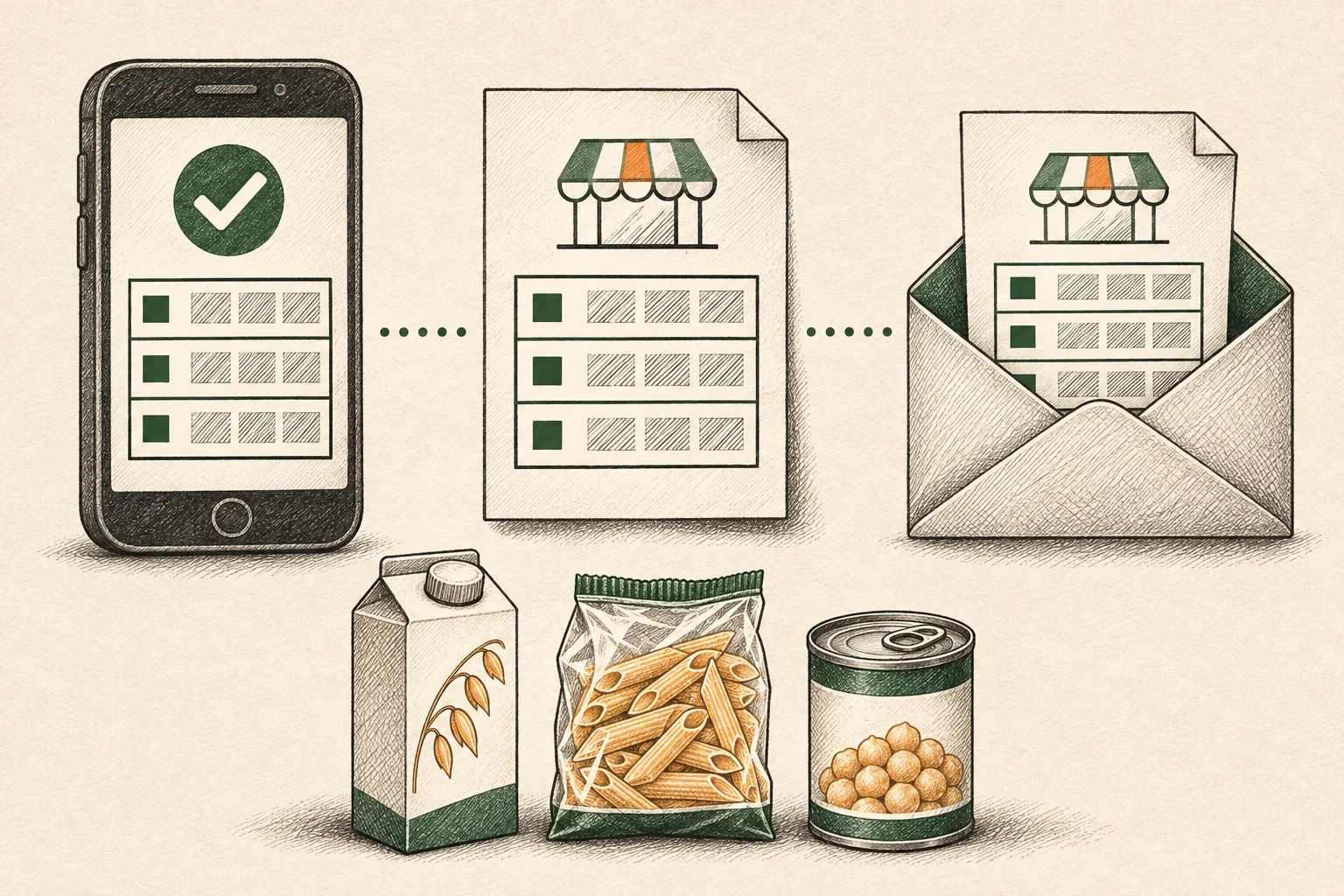
Filled stocktake report example
| Product name | Recorded qty | Counted Quantity | Difference |
|---|---|---|---|
| Oat drink, 1 L | 12 | 10 | -2 |
| Pasta, 500 g | 18 | 18 | 0 |
| Chickpeas, 400 g | 24 | 24 | 0 |
The shop recorded 12 oat drinks and counted 10. The difference is 10 − 12 = −2 units. A recount confirmed the shortage. The cause is still open.
Editorial sample in English. We made this one-page PDF with fictional data and selected columns from the 1.2.0 export. The app export also includes fields such as barcode, location, notes and the time each line was counted.
Download the filled example (PDF, English)When to use PDF, XLSX or CSV
Send a PDF when someone needs to read, print or file a dated snapshot. Choose XLSX to filter rows, add formulas or compare counts in a workbook. Choose CSV when another tool expects plain tabular data and you have checked its import requirements.